
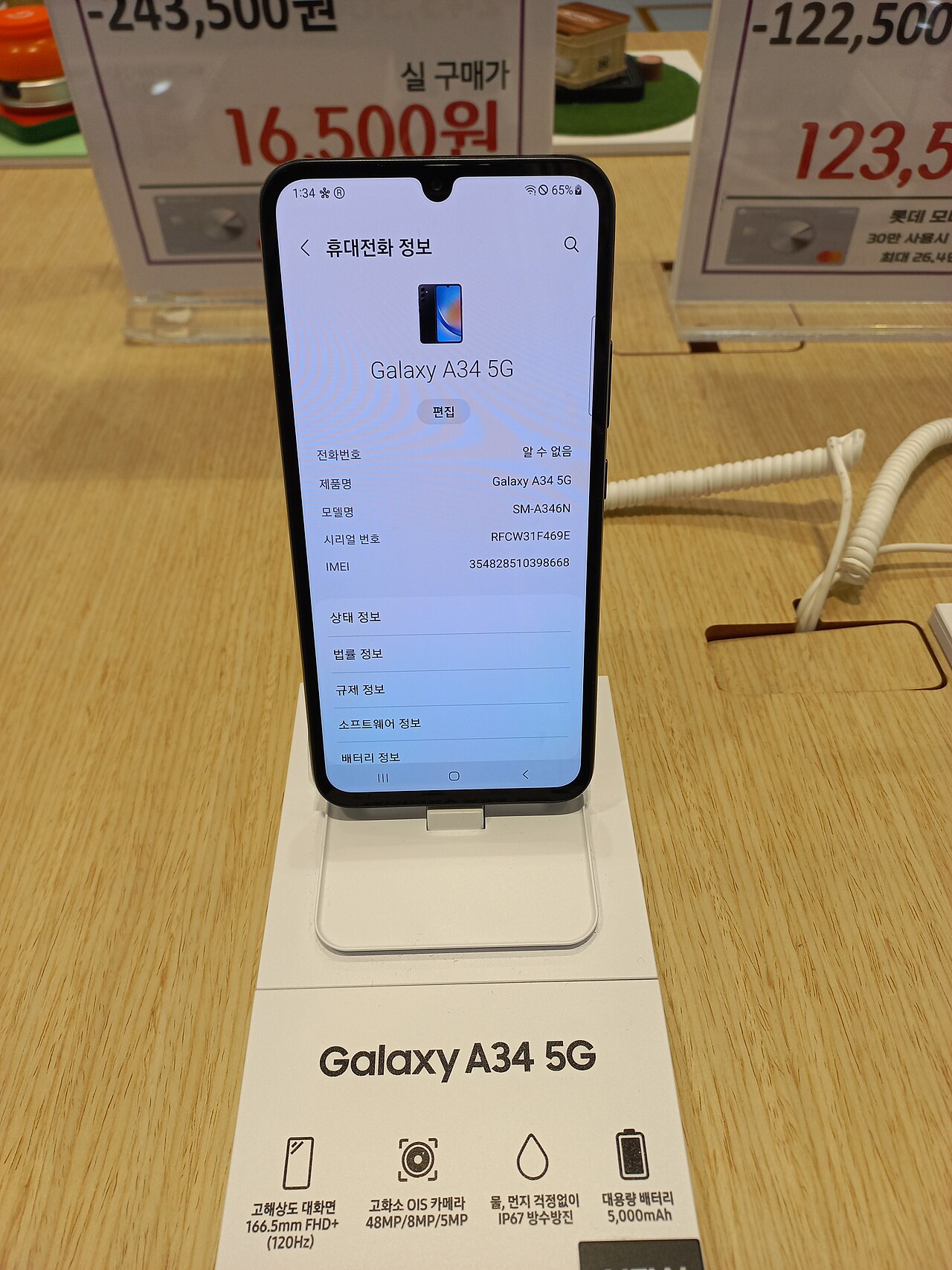
Samsung Galaxy A34 update is finally here, delivering the highly anticipated One UI 9 features to users. This update promises to enhance the overall user experience significantly.
What’s New in One UI 9 for Galaxy A34?
The latest update for the Samsung Galaxy A34 brings exciting features with One UI 9, enhancing user experience and functionality. This update focuses on performance improvements, user interface refinements, and new personalization options.
Some notable features included in the One UI 9 update are:
- Revamped User Interface: A more polished design with smoother transitions and updated icons, making navigation more intuitive.
- Enhanced Privacy Controls: Users can now manage app permissions more effectively, ensuring better control over personal data.
- Improved Battery Management: Optimizations allow for longer battery life, giving users more time between charges.
- Advanced Camera Features: New photography options, including improved night mode and enhanced editing tools to elevate your photography experience.
- Customization Options: More themes and widgets are available, allowing users to personalize their devices to reflect their style.
The Samsung Galaxy A34 update is set to significantly improve the overall performance and usability, making it an enticing upgrade for users eager to explore what One UI 9 has to offer.
How to Update Your Samsung Galaxy A34
Updating your Samsung Galaxy A34 to the latest version of One UI 9 is a straightforward process. Follow these steps to ensure you have the latest features at your fingertips.
First, make sure your device is connected to a stable Wi-Fi network. This will help avoid any interruptions during the download and installation process. Next, navigate to your device’s Settings app.
- Scroll down and tap on Software update.
- Select Download and install. Your device will check for any available updates.
- If the Samsung Galaxy A34 update appears, tap Install now to begin the update process.
Once the installation is complete, your device will restart, and you can start exploring the new features that One UI 9 has to offer. It’s important to note that updates may roll out in phases, so if you don’t see the update immediately, be patient and check back later.
Additionally, ensure that your battery is charged, as updates are best performed when the device has adequate power.
User Reactions to One UI 9 Update
As the Samsung Galaxy A34 starts receiving the stable One UI 9 update, user reactions have been pouring in from various forums and social media platforms. Many users are excited about the enhancements and features that come with this update, highlighting their experiences.
- Improved Performance: A common sentiment among users is the noticeable boost in performance. Many report faster app launches and smoother transitions, which enhances overall usability.
- Visual Upgrades: The new design elements have received positive feedback, with users appreciating the fresh look and feel of the interface. The updated icons and themes are particularly popular.
- Camera Enhancements: Photographers are thrilled with the camera improvements, noting better low-light performance and advanced editing options that make their images pop.
- Battery Optimization: Users have also mentioned that the update seems to have improved battery life, which is crucial for those who rely heavily on their devices throughout the day.
However, not all feedback has been positive. Some users have encountered minor bugs and glitches, prompting discussions about potential fixes in future updates. Overall, the reception to the Samsung Galaxy A34 update has been largely favorable, with many users eager to explore all that One UI 9 has to offer.
Comparing One UI 9 with Previous Versions
The Samsung Galaxy A34 update to One UI 9 has brought several enhancements compared to its predecessors. Users are now experiencing a more refined interface, improved performance, and a host of new features that elevate the overall user experience.
When comparing One UI 9 with earlier versions, here are some notable differences:
- Enhanced Customization: One UI 9 introduces more options for personalization, allowing users to modify themes and layouts to suit their preferences.
- Improved Notifications: The notification panel has been optimized for easier access and better organization, making it more user-friendly than ever.
- Performance Boost: The update has been designed to enhance the speed and efficiency of the Samsung Galaxy A34, ensuring smoother multitasking and quicker app launches.
- Privacy Features: One UI 9 comes with advanced privacy settings, giving users more control over their data and app permissions.
- New Gestures: The latest version introduces new gesture controls that streamline navigation, allowing for a more seamless experience.
Overall, the Samsung Galaxy A34 update to One UI 9 marks a significant improvement, catering to both new and existing users.
Tips for Optimizing Your Galaxy A34 Post-Update
After installing the Samsung Galaxy A34 update, users can enhance their experience by following these tips for optimizing their device.
- Explore New Features: Take time to familiarize yourself with the enhanced functionality that comes with One UI 9, such as improved multitasking and updated camera modes.
- Adjust Settings: Navigate to the settings menu to fine-tune features like display brightness and battery optimization to suit your preferences.
- Utilize Gestures: One UI 9 introduces new gesture controls that can streamline navigation. Experiment with these to find what works best for you.
- Manage Your Apps: After the update, consider decluttering your home screen by organizing apps into folders or removing unused applications to improve performance.
- Backup Important Data: Ensure that all essential data is backed up before making significant changes to your device settings post-update.
- Stay Updated: Regularly check for additional updates or patches that may enhance the performance and security of your Samsung Galaxy A34.
By implementing these strategies, users can ensure their Samsung Galaxy A34 operates smoothly and efficiently after the One UI 9 update.
Common Issues and Fixes After the Update
After the recent Samsung Galaxy A34 update to One UI 9, some users have reported experiencing common issues that may affect their device’s performance. Here are a few of these issues along with potential fixes:
- Battery Drain: Some users have noted faster battery consumption. To address this, consider checking which apps are consuming the most power in the settings and optimizing or disabling them.
- App Crashes: If certain apps are crashing frequently post-update, try clearing the app cache or reinstalling the affected applications to restore their functionality.
- Wi-Fi Connectivity Problems: Issues with Wi-Fi connections may arise. Restarting your router or resetting network settings on the Galaxy A34 can help resolve this.
- Performance Lag: If the device feels sluggish, a simple restart often resolves temporary performance issues. Additionally, ensuring you have enough storage space can improve overall speed.
While these issues can be frustrating, most are easily fixed, allowing users to enjoy the new features of the Samsung Galaxy A34 update seamlessly.
The Samsung Galaxy A34 update brings several exciting enhancements that improve user experience. With the Samsung Galaxy A34 update, users can enjoy the latest features of One UI 9, making their devices more intuitive and responsive.
via Wikimedia Commons